AI Browsers
The End of Tab Overload: Why the AI-Native Browser Is Your New Workflow Power Move
AI-native browsers like Comet turn tab-heavy research into agent workflows that summarize pages and complete multi-step tasks, so you spend less time clicking.
Mar 1, 2026 · 4 min read
Key takeaways
- The browser is shifting from manual navigation to intent-driven execution.
- Comet is a strong pick for research and shopping workflows with citation needs.
- Security and compliance checks are still required before full adoption.
The End of Tab Overload: Why the AI-Native Browser Is Your New Workflow Power Move
TL;DR: The Quick Catch-Up
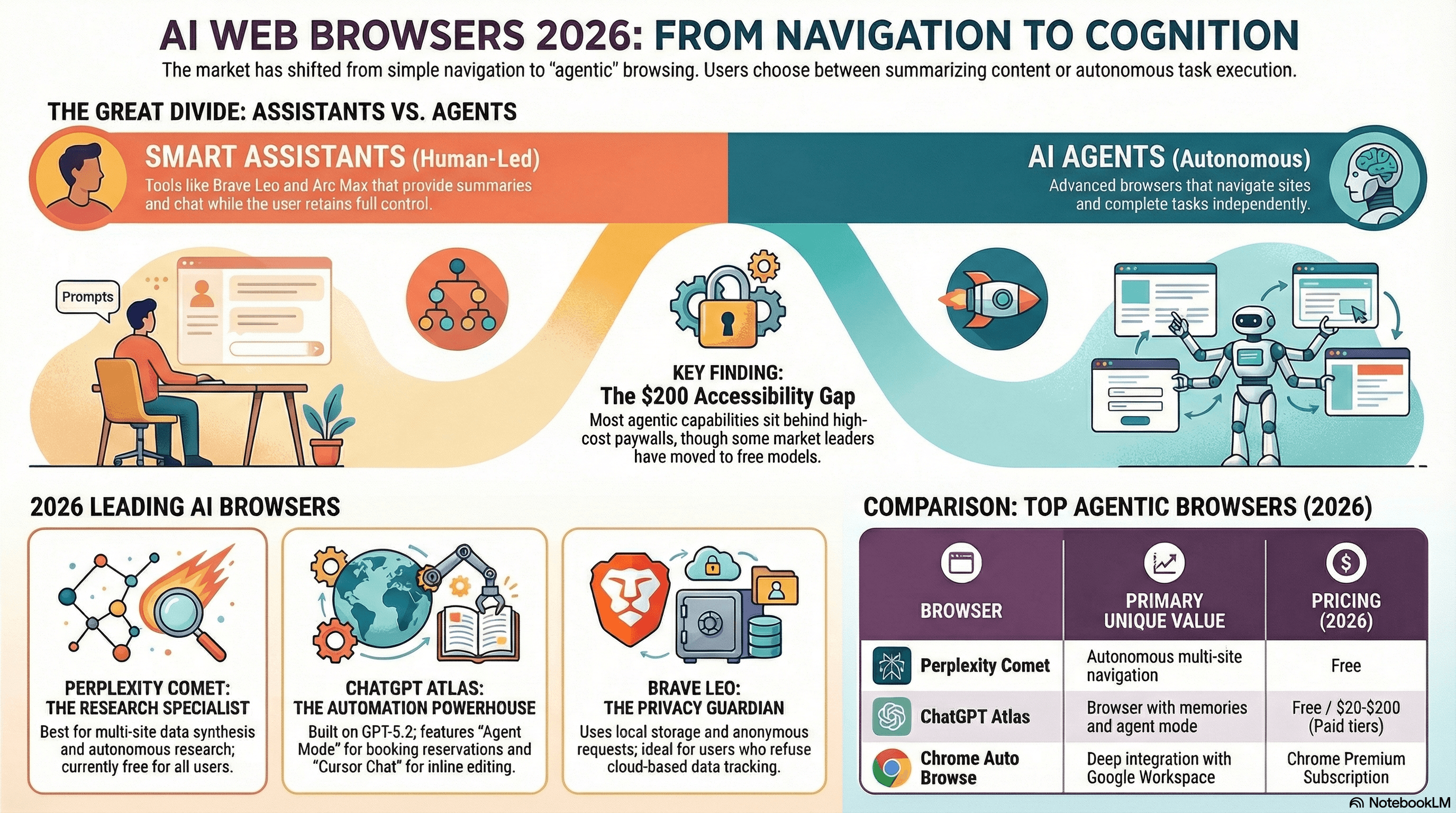
- The Shift: We are moving from navigating the web manually to browser cognition, where intent is interpreted and multi-step tasks are executed.
- Who This Matters For: Researchers, technical professionals, and anyone dealing with tab fatigue or decision paralysis.
- The Recommendation: Comet Browser (by Perplexity) is a current front-runner after moving from a $200/month gate to a free model in October 2025.
- Primary Outcome: You stop managing tabs and start managing outcomes, using the browser like an agentic employee.
The Problem: Why Your Current Browser Is a Time Sink
Modern browsing has become high-friction manual labor.
For many professionals, the workflow is still: open many tabs, skim pages, extract fragments, then move context to a separate LLM for synthesis. This repeated copy-paste cycle creates attention drag and contributes to decision fatigue.
At the same time, autonomous web interaction is accelerating. If your browser is still a legacy interface with a chatbot bolted on, it is poorly suited for agent-driven workflows.
Most people do not need more information. They need faster understanding and cleaner execution.
Defining the Category: What Is an AI-Native Browser?
An AI-native browser is not a normal browser with an extension. It behaves more like a cognitive operating system, designed for an on-page agent to interpret and act in real time.
Typical AI-native workflow:
- Open page: Content is indexed immediately.
- Structure analysis: The system identifies DOM elements, tables, and forms.
- Summary generation: Core points are synthesized without extra prompting.
- Quick commands: Slash-style commands trigger specific actions.
- Agentic execution: Multi-site tasks can be completed end to end.
The Top Pick: Why Comet Browser Is Leading the Pack
Comet Browser, developed by Perplexity, has become a strong choice for research-heavy workflows.
Surprising Takeaway #1: Access Changed Fast
Comet shifted from a premium $200/month tier to free access in October 2025, signaling a broader market move: agentic browsing is becoming baseline capability.
Surprising Takeaway #2: It Is Built to Execute
Unlike sidebar-only assistants, Comet is oriented toward execution. In practice, that means cross-site comparison, workflow completion, and result presentation in one flow.
Surprising Takeaway #3: Technical Orchestration Matters
Comet uses in-browser orchestration to control page interactions during agent mode, including visual progress and highlighted elements while tasks run.
"Out of all the AI Browsers we've tested, Comet has been the best for researching and shopping, where factual accuracy and citations are required."
Comparison: Comet vs. the Field
| Feature | Comet (Perplexity) | ChatGPT Atlas (OpenAI) | Arc Max (Browser Co.) |
|---|---|---|---|
| Primary Value | Autonomous research and task execution | Personalized workflows via browser memory | Context-first UI with subtle AI assistance |
| Agent Mode | Free (since Oct 2025) | Paid (tiered plans) | N/A (focus on UI features) |
| Architecture | Renderer-level instrumentation | Out-of-process web-layer logic | Context-triggered API workflows |
| Latency Profile | Low | Very low | Minimal for targeted features |
| Best Tier Context | Pro/Max ecosystem | Mid-tier and above | Included in Arc |
The "Do This Now" 10-Minute Setup Guide
- Install Comet: Get the available desktop/mobile build for your platform.
- Import essentials: Bring over bookmarks, passwords, and core extensions from Chrome.
- Run a summary test: Open a long technical article and request a structured summary.
- Use a quick command: Run a slash-style command for an immediate extraction task.
- Audit one agent run: Try a multi-site task such as product comparison across retailers.
Honesty Hour: Limitations and Security Risks
Before team-wide rollout, evaluate these risks:
- Prompt injection exposure: Hidden webpage instructions can influence autonomous agents if safeguards are insufficient.
- Platform friction: Automated browsing behavior may conflict with some site terms and anti-bot controls.
- Compliance concerns: High-trust environments may reject broad screen/tab permissions.
- Privacy tradeoffs: Some users may prefer browser-level controls that allow global AI opt-out.
How to Tell It Is Working: Success Signals
- Tab consolidation: Open-tab count drops significantly.
- Workflow flattening: Less context-switching between browser and external chat tools.
- Delegated repetition: More repetitive research/admin steps are executed by the agent.
Conclusion: The Future of Your Screen
The browser is moving from passive viewer to active participant.
This is the practical shift toward an agentic internet workflow: fewer manual clicks, faster synthesis, and more outcome-oriented sessions.
Security concerns still require discipline, but the productivity baseline has already changed.
If your browser could complete your five most repetitive tasks today, what would you do with the extra hour?
Tools mentioned
- Comet Browser (affiliate)Why we like it: Agentic browser experience focused on synthesis, citations, and multi-step task execution.
- ChatGPT (affiliate)Why we like it: General-purpose assistant referenced as a competing browser-integrated workflow approach.
- Arc Browser (affiliate)Why we like it: Context-first browser with AI features oriented toward UI and productivity enhancements.
- Firefox (affiliate)Why we like it: Privacy-focused browser highlighted for stronger opt-out controls around AI features.
About the author
AI Shortcuts Team · Workflow researcher
We test AI tools with real calendars, inboxes, and family schedules so you can steal the shortcut without the chaos.
Related posts
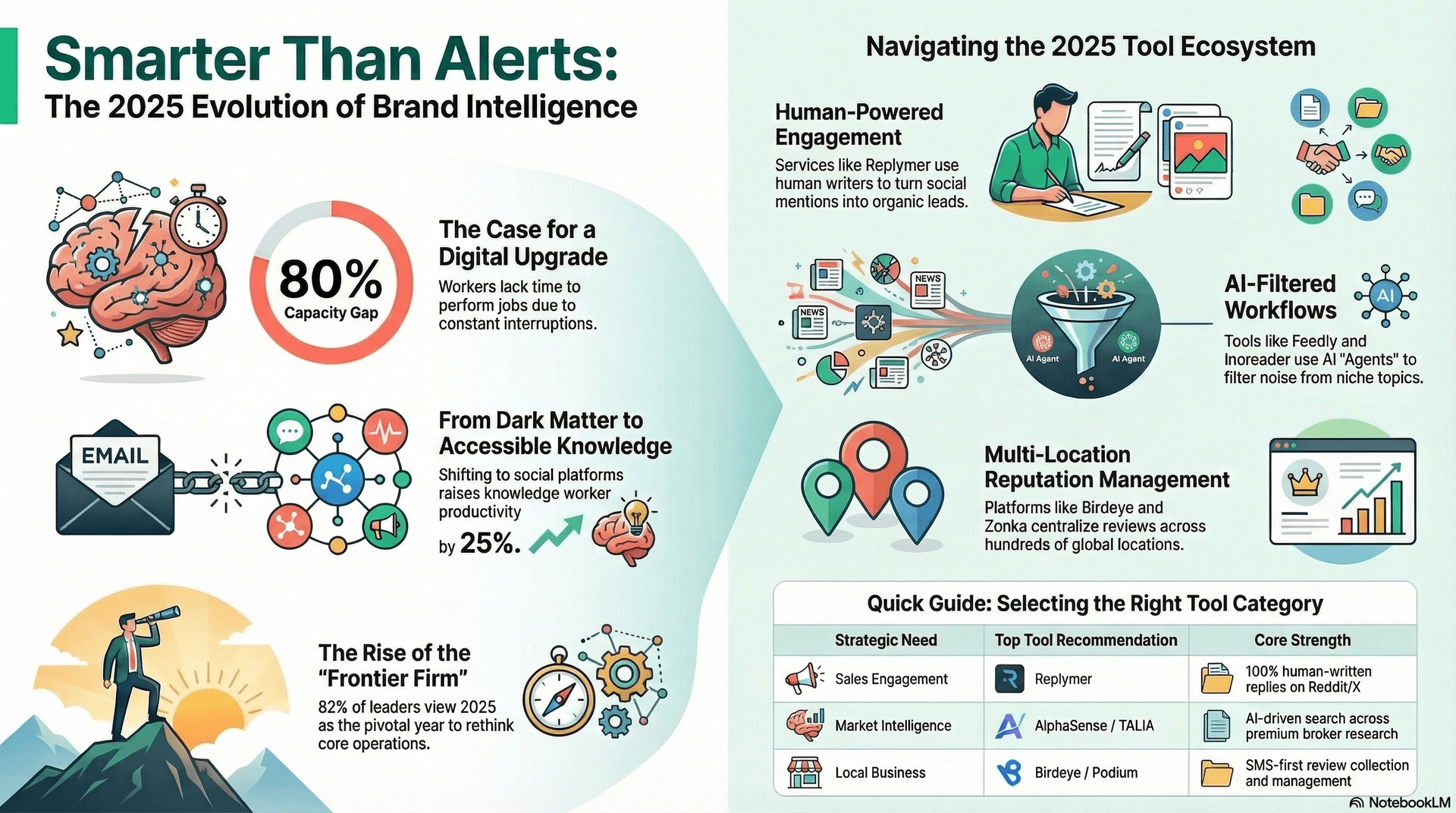
Best AI Tool to Monitor a Niche Industry Without Checking 50 Sites
Feedly helps you monitor niche industry sources, filter weak matches with AI, and review only the updates that matter instead of checking dozens of sites daily.
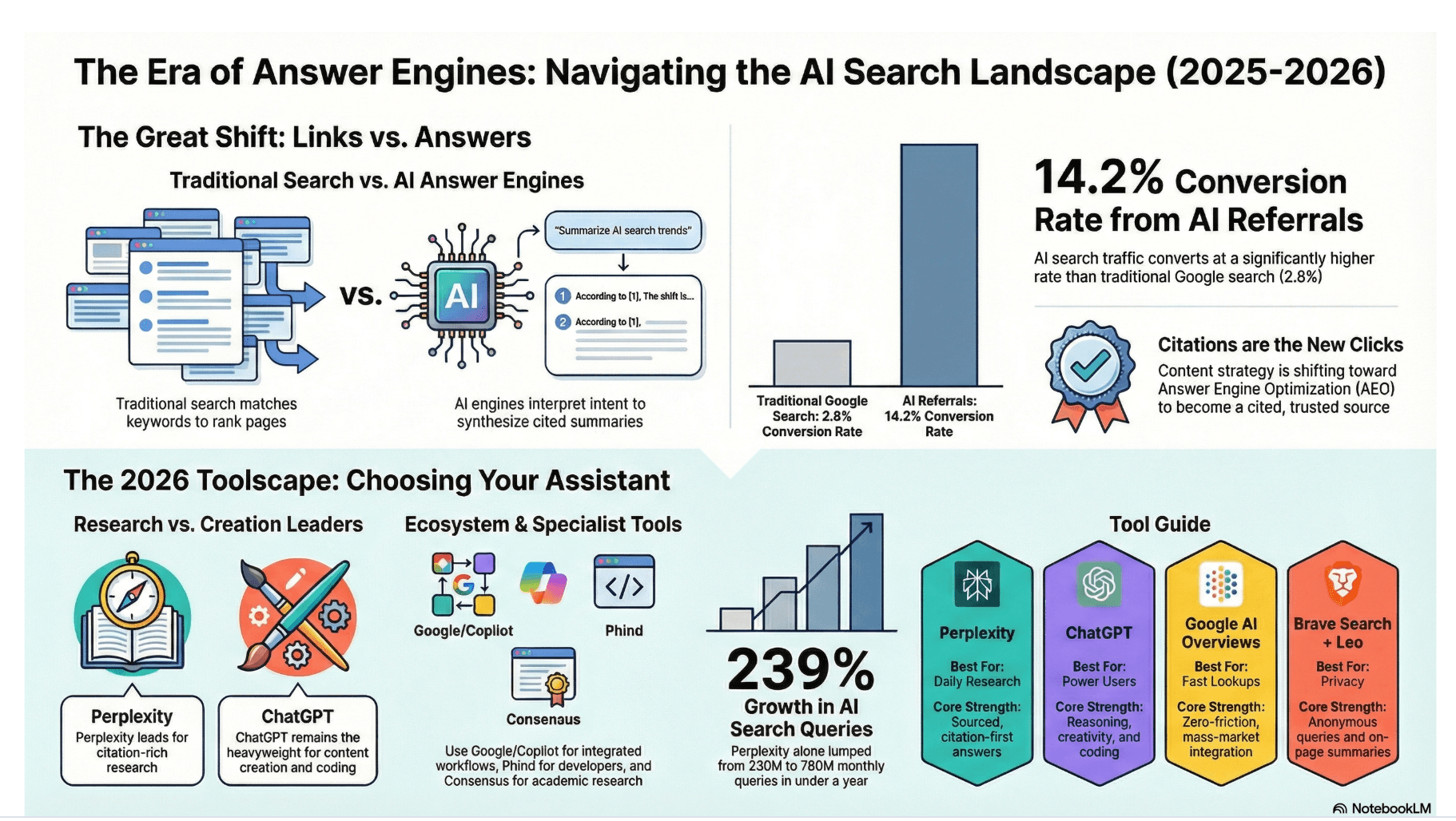
Perplexity: The AI Answer Engine That Replaces Tab Overload
Perplexity gives concise, citation-linked answers from live web sources, helping you cut tab overload, verify claims fast, and finish research with confidence.
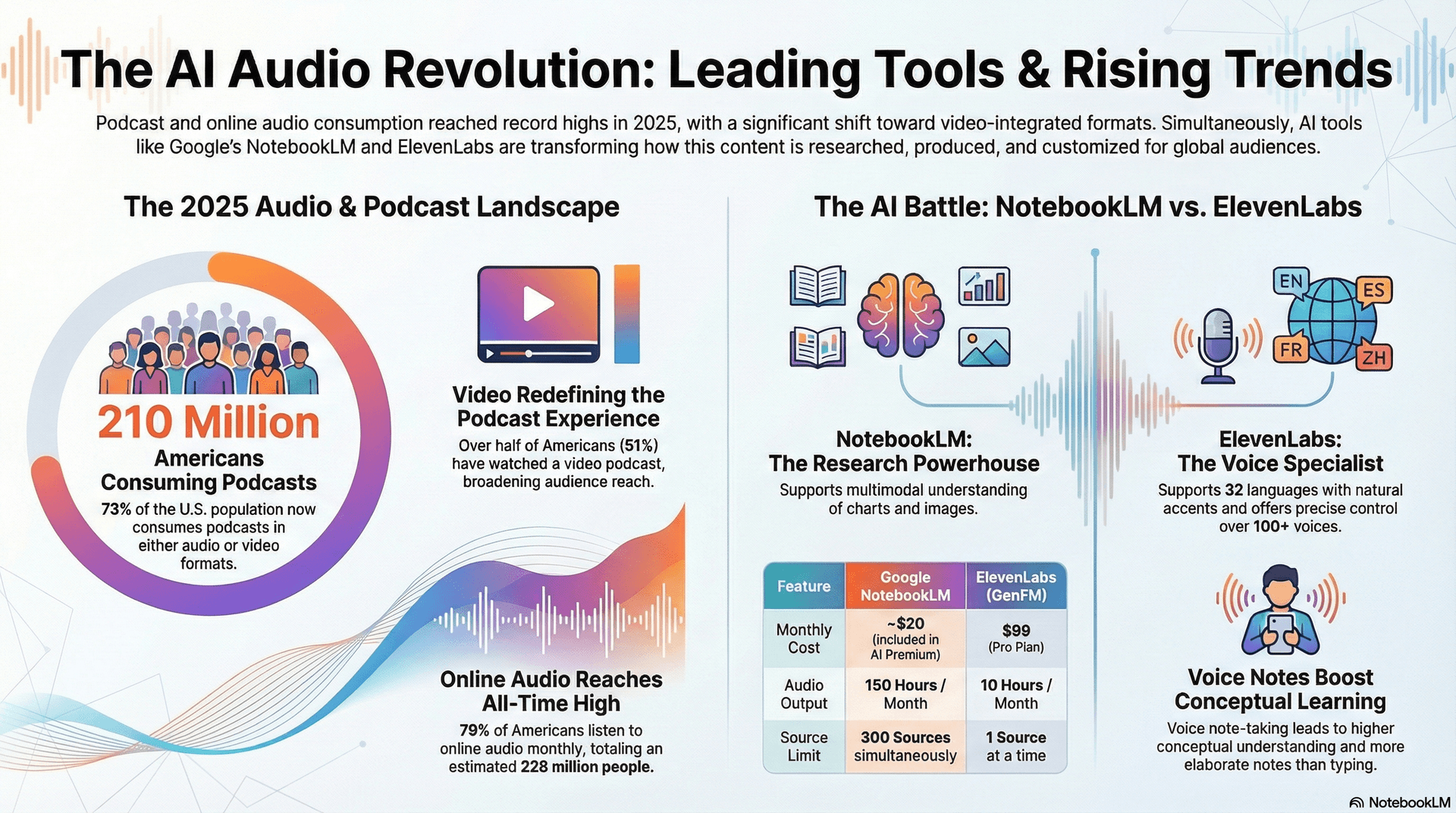
Best AI Tool to Turn Your Documents into a Private Podcast
Use NotebookLM to turn PDFs, reports, and notes into podcast-style audio summaries so you can learn during commutes while keeping context and key ideas intact.